1Upload your image
Use a clear product, portrait, or object photo with enough contrast around the subject.
Choose a removal target, upload an image, then generate a clean result.
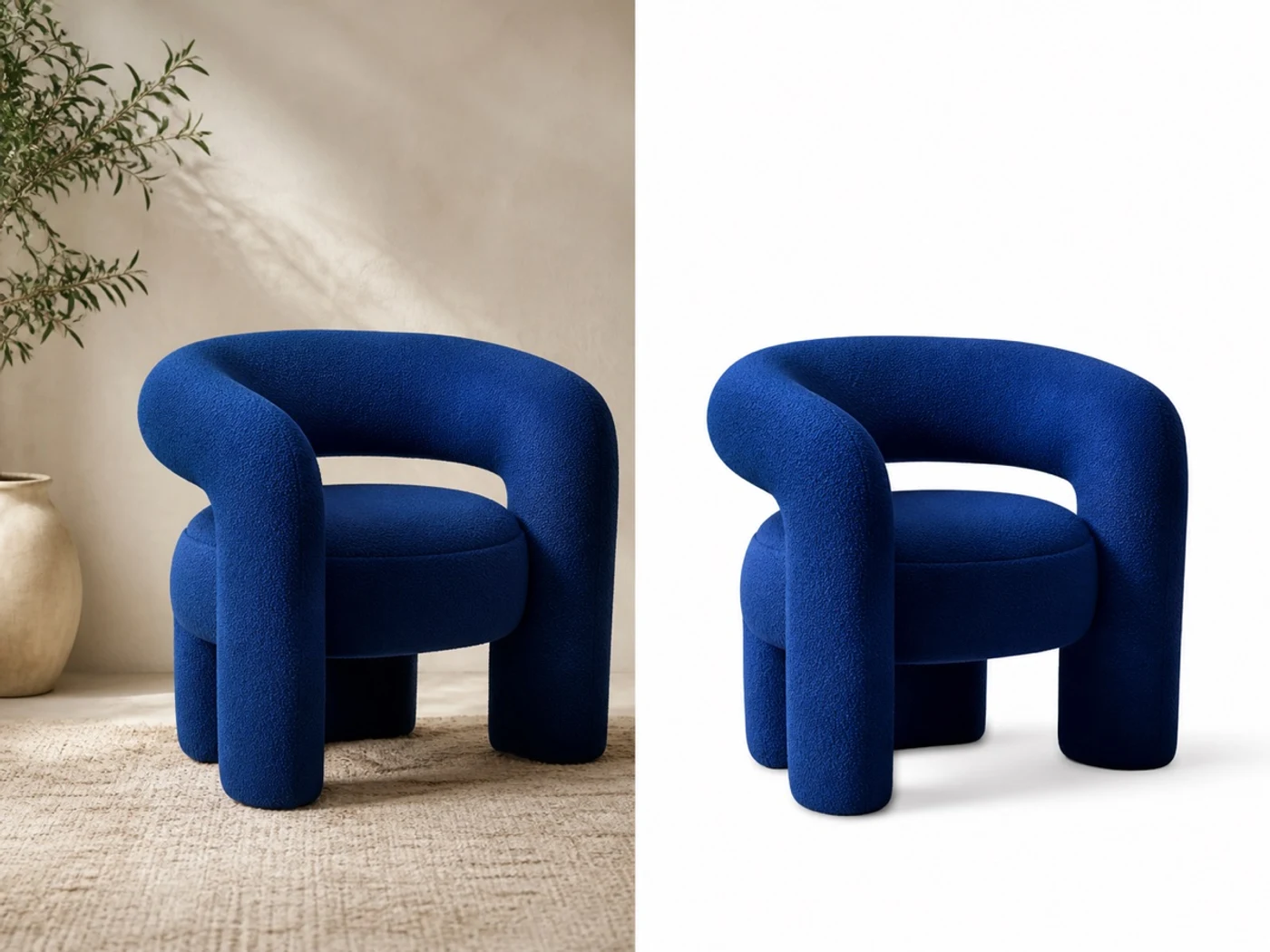
Remove Background focuses the image on the main subject. Use it for ecommerce photos, profile visuals, presentation assets, and design mockups that need a cleaner canvas.
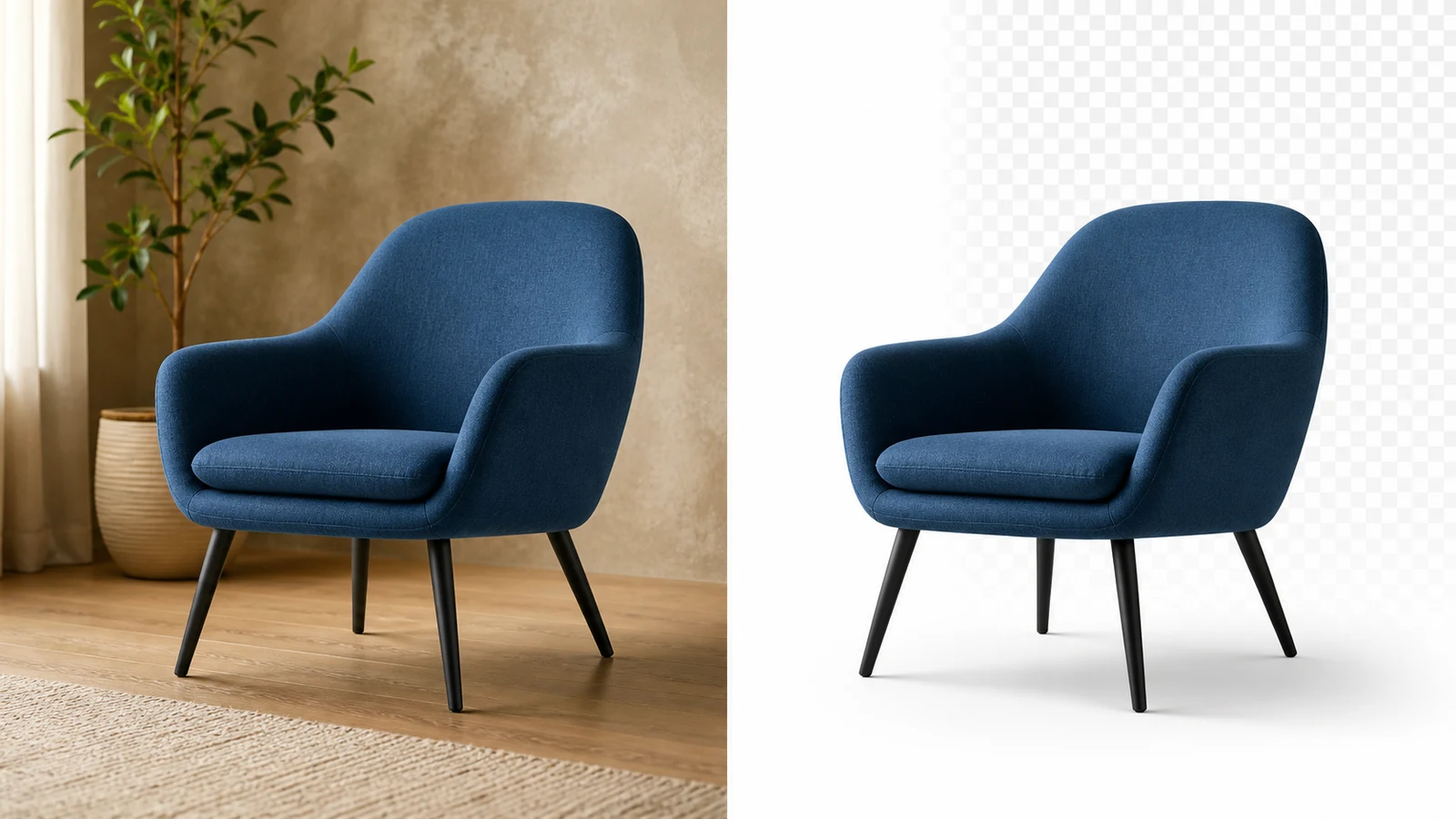
Start with a product or portrait photo and remove the surrounding room, wall, desk, or outdoor background while keeping the subject recognizable.
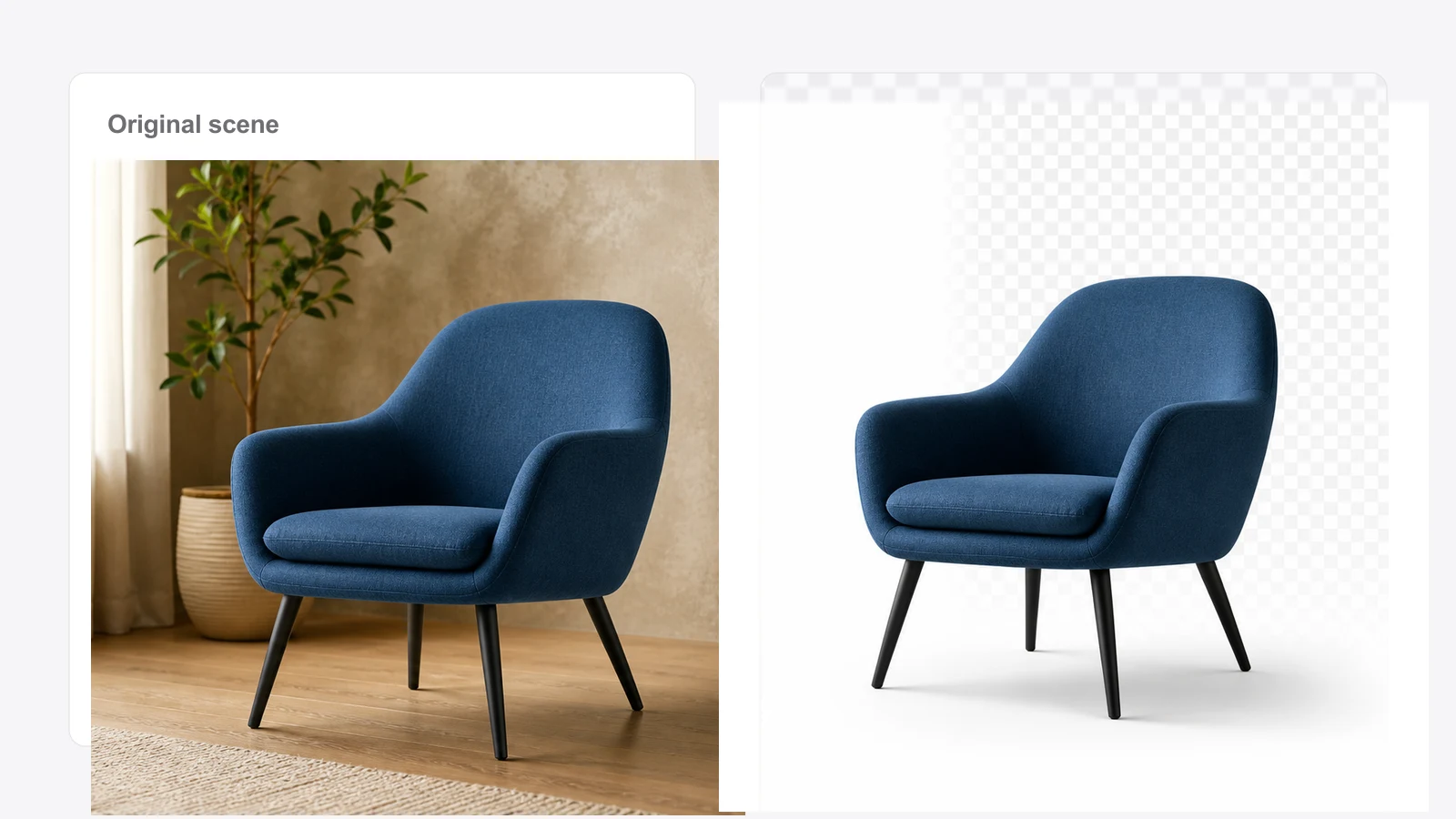
Use removal prompts that prioritize fabric, hair, rounded corners, transparent gaps, or fine product contours when the source image has tricky edges.
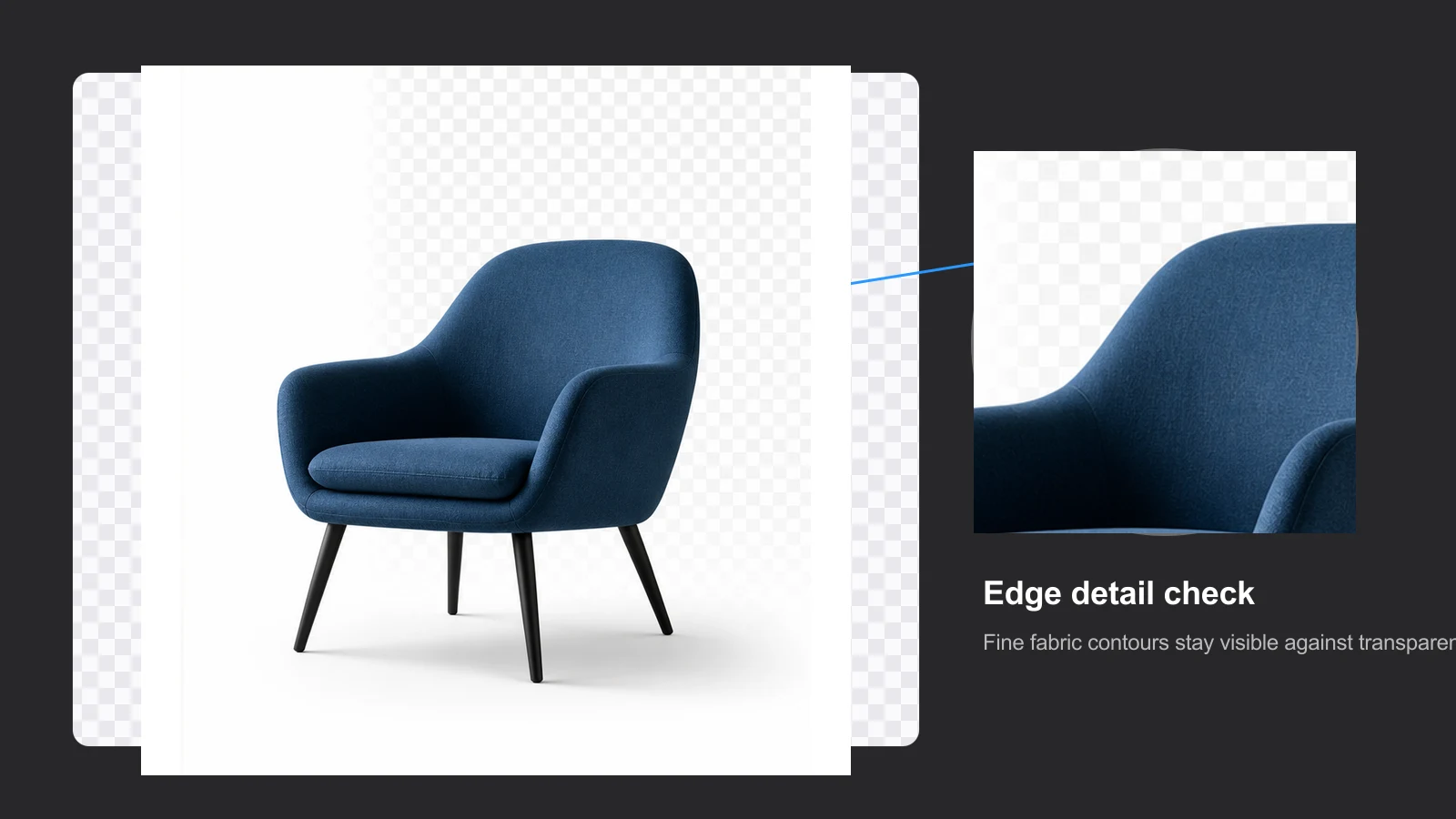
Generate a clean result that can sit on white marketplace pages, transparent-style previews, catalog cards, or social graphics without rebuilding the image from scratch.
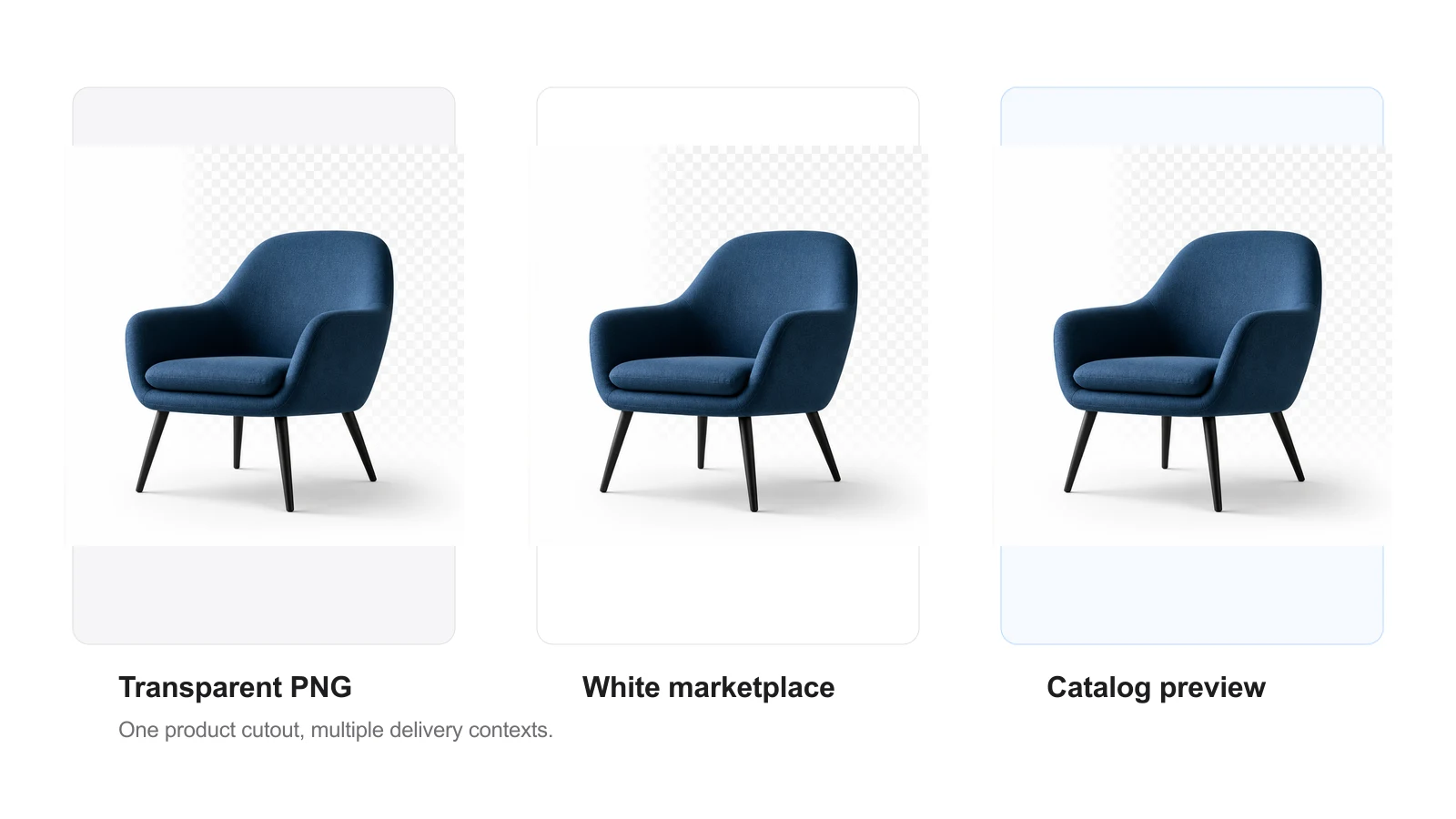
Use the same background-removal direction across a product set so each generated result shares a similar crop, lighting read, and delivery style.
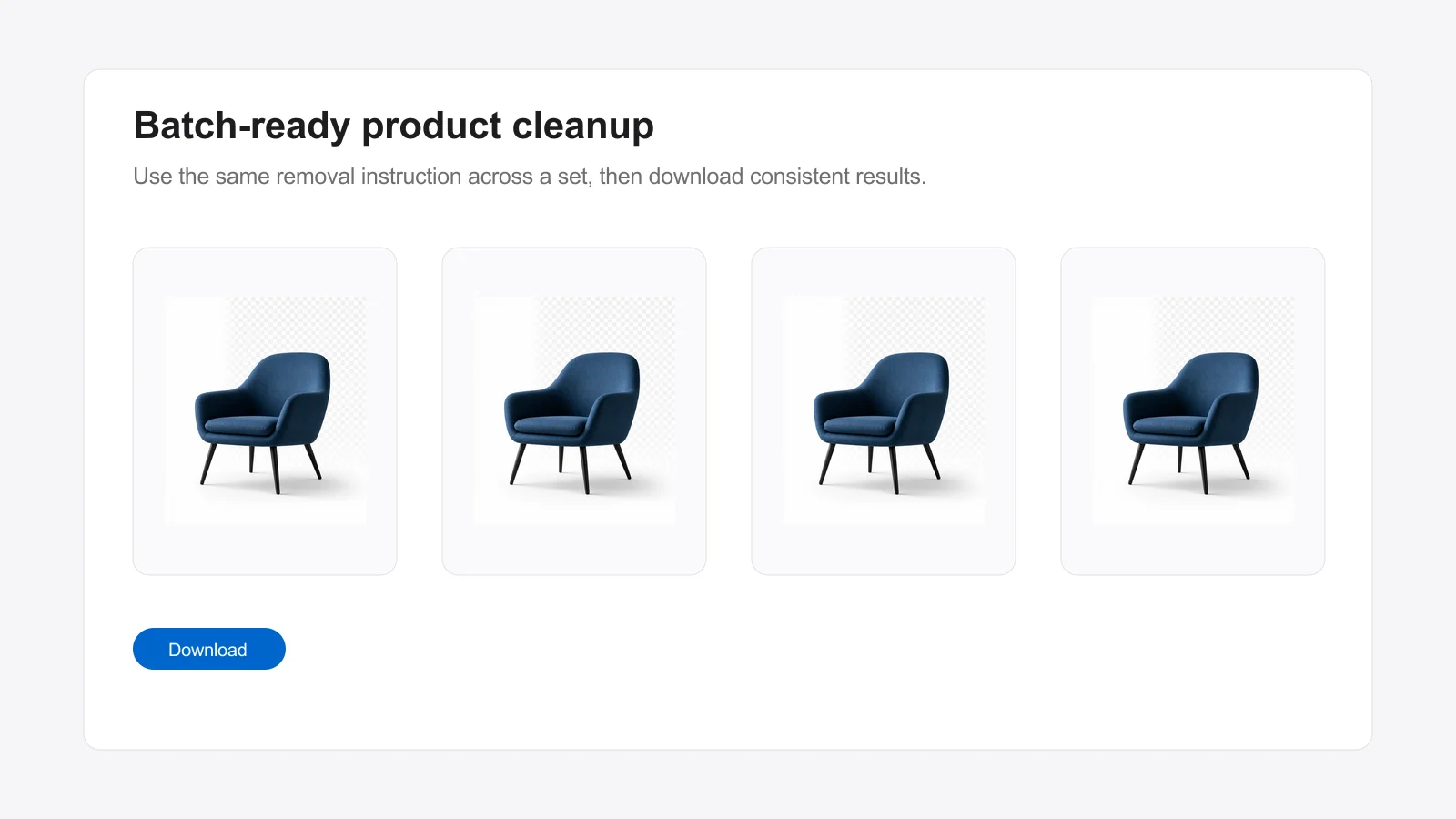
Upload the image, choose the target result, then generate and download the clean version.
Use a clear product, portrait, or object photo with enough contrast around the subject.
Pick a clean cutout, white marketplace image, soft shadow, or design-ready version.
Review the generated result, adjust the edge priority if needed, and save the best image.
Move from background removal into generation, ID photos, prompt discovery, or a larger Studio project.
I use it to clean product photos before building listing images. The workflow is direct enough for daily production.
The cutout previews help me move products into campaign layouts without spending time rebuilding masks first.
For thumbnails and profile visuals, removing the room behind the subject makes the final image much easier to reuse.
Yes. You can test the tool with the free daily trial or available credits before generating more versions.
Use a sharp product, portrait, or object photo with a clearly visible subject and enough contrast from the background.
It can prioritize fine edges, but complex hair, glass, and reflective objects may still need review and regeneration.
No. Marketplace requirements vary, so review the downloaded image against the rules of the platform where you will upload it.
Yes. Choose a different edge priority or output target, then generate another version from the same uploaded image.
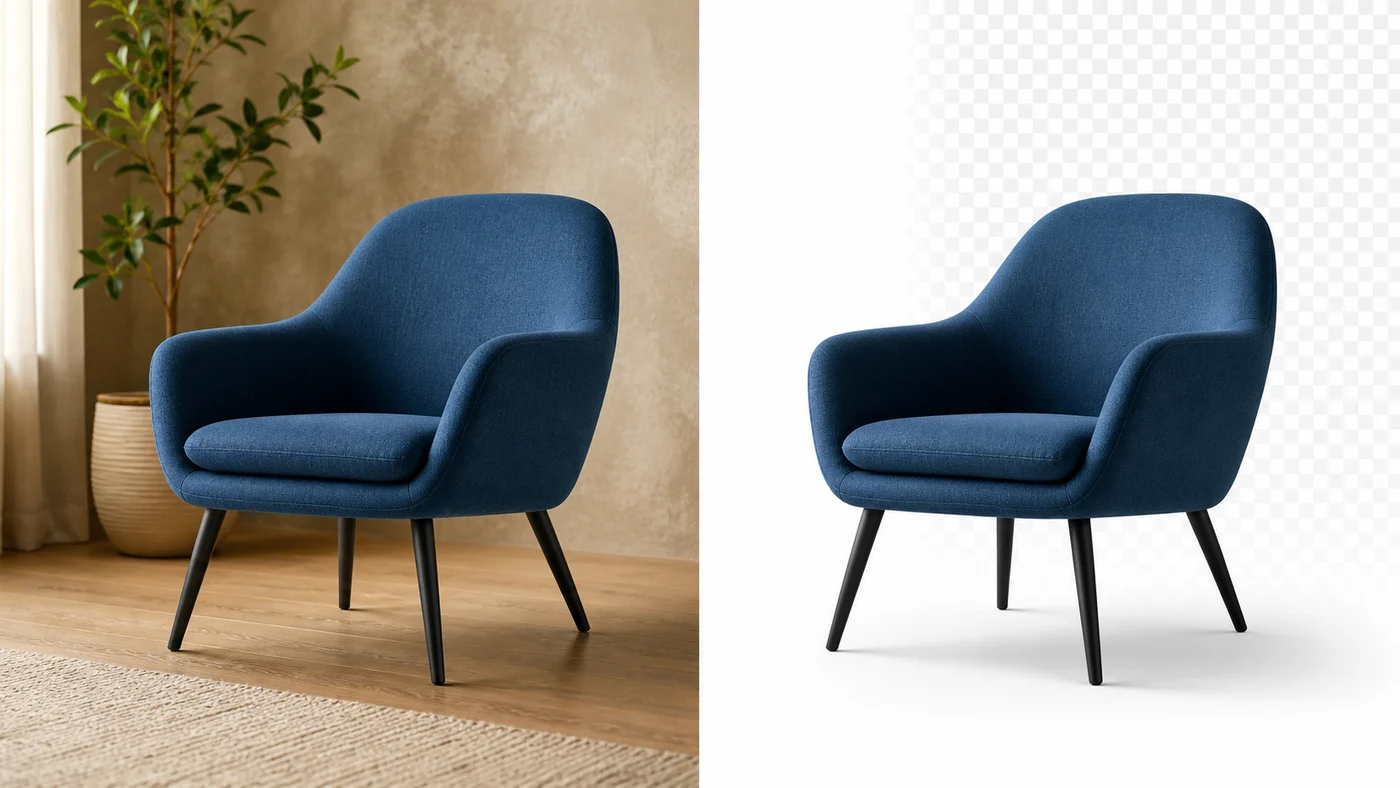
Upload a photo, isolate the subject, and turn a busy scene into a cleaner asset for your next listing, post, or design.
Daily free trial available. Generation uses your Nanobana credits when required.