01
Upload the person first
Choose a clear full-body or half-body photo with visible clothing and natural detail.
The same model, pose, and studio light across three distinct looks.
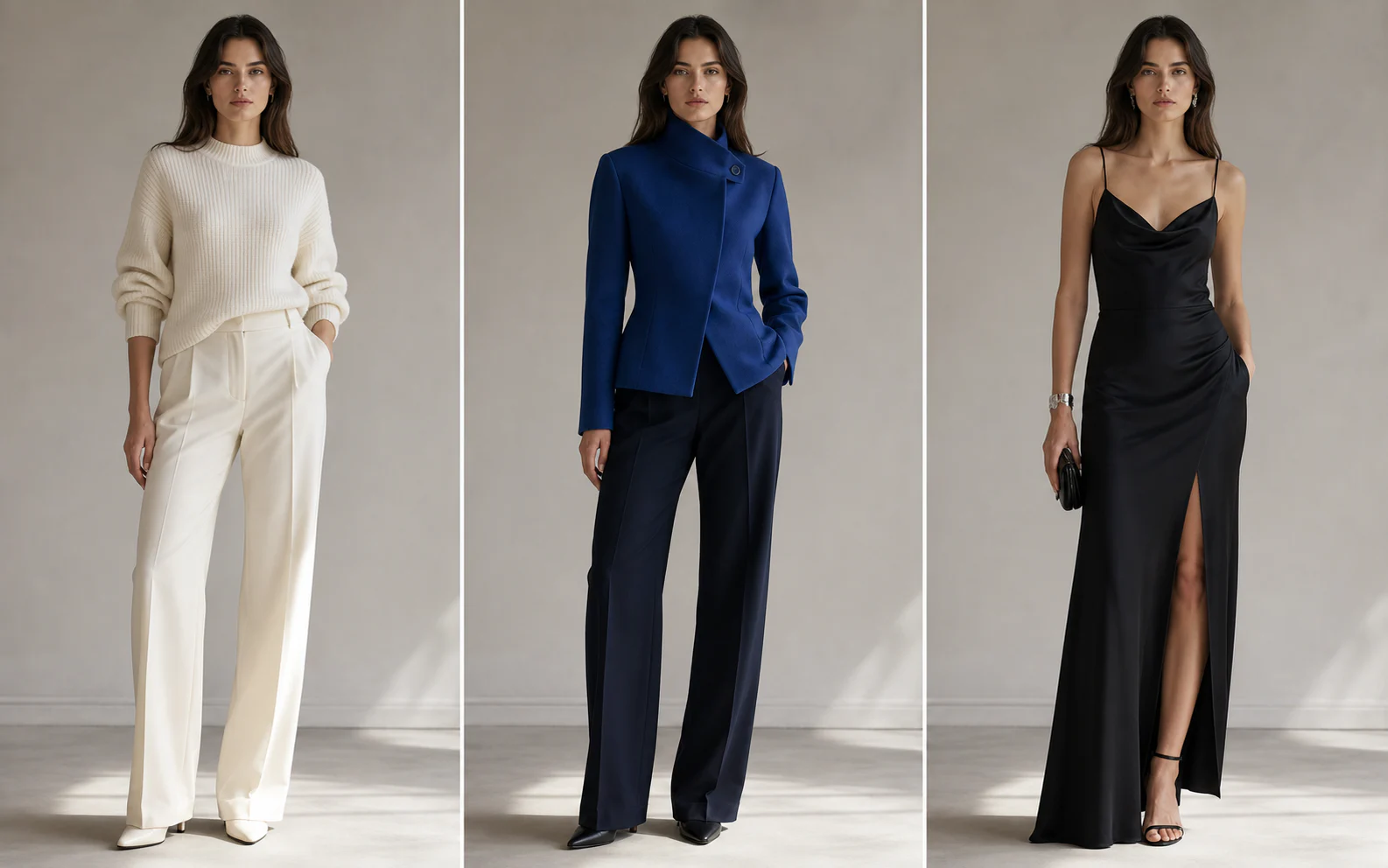
Built for usable fashion variations
The workflow separates wardrobe intent from everything that should remain stable, helping each result feel like part of the same shoot.
01
Generate outfit options around one consistent model instead of recreating the portrait for every variation.

02
Combine a primary person photo with clothing and accessory images so the intended cut, palette, and material are easier to communicate.

03
Explore wardrobe directions before a reshoot, then download the strongest variation for a mood board, pitch, or production review.

Three-step workflow
Keep the source order clear so the model knows which image is the person and which images are styling references.
Choose a clear full-body or half-body photo with visible clothing and natural detail.
Upload reference pieces, choose the edit type, and decide what must stay strict.
Check face, hands, garment construction, shadows, and fit before saving the result.
Refine the scene, repair lighting, or explore a new camera angle without leaving Nanobana.

Describe the change in plain language, add reference images when useful, and keep the rest of the photograph under control.
Edit a photo
Repair flat, harsh, or mismatched light with direct controls for direction, softness, and intensity—without rebuilding the photograph.
Fix the lighting
Move the virtual camera around one image while protecting the subject's design, materials, scene, and visual continuity.
Change the cameraUpload the person photo first. Any later images are treated as garment, accessory, or styling references.
This focused workflow accepts up to eight images in total: one primary person image and up to seven references.
The prompt explicitly protects identity, hair, proportions, pose, and hands. Clear source images still produce the most consistent results.
Yes. Choose Add one piece and describe which garment should change while leaving the rest of the outfit untouched.
Usage depends on your rights to the source person, garments, and references. Only upload material you are authorized to use.
Upload a model and garment references, protect the details that matter, and generate a coherent wardrobe variation.
Change an outfit