01
Upload a photo or choose text mode
Relight one source image, or start from a written scene description.
A controlled before-and-after example with the product and composition kept stable.
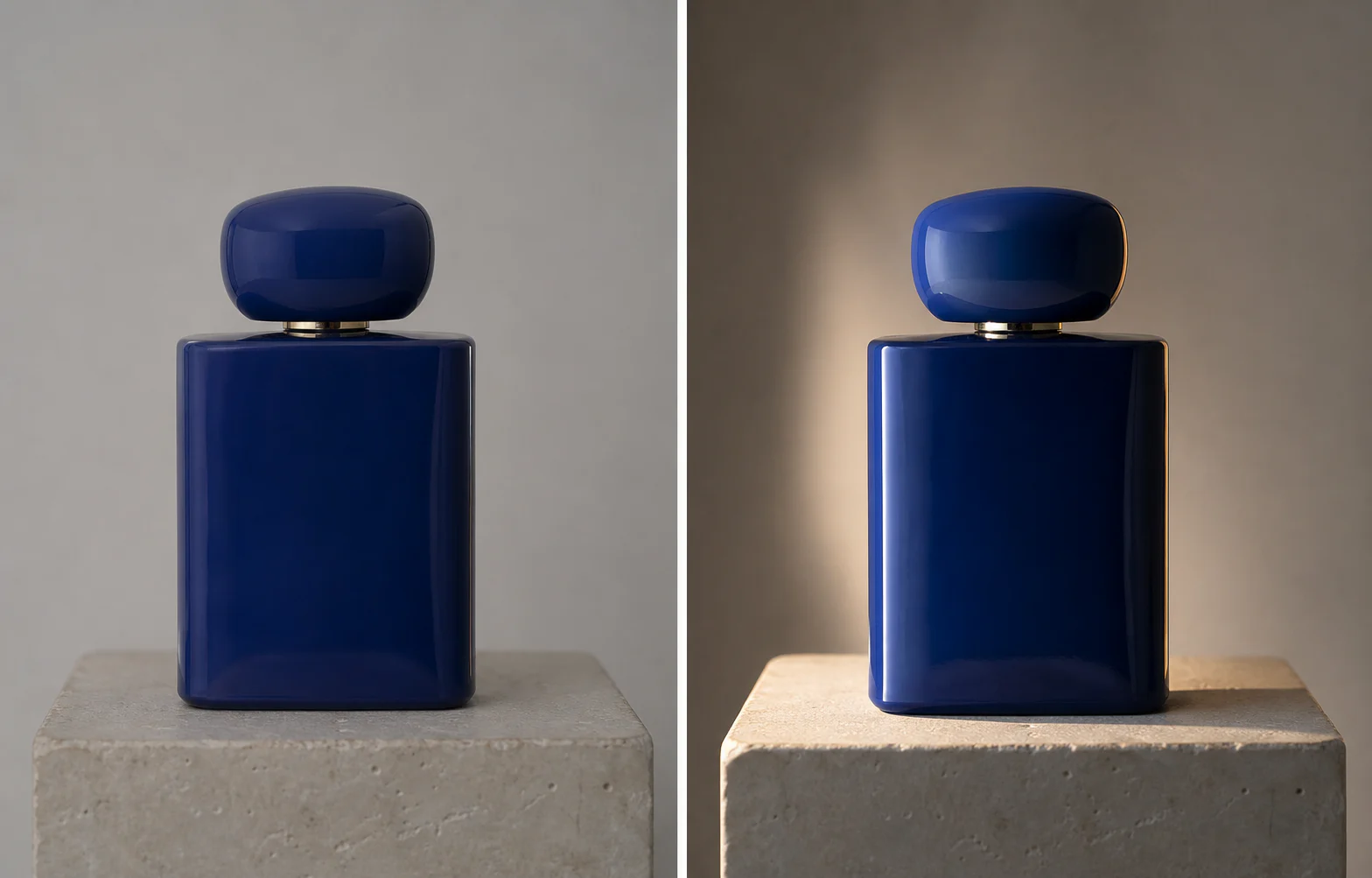
Lighting as a controllable edit
Direction, softness, and intensity become explicit inputs, so relighting is easier to review and repeat.
01
Turn weak, uneven, or disconnected light into a more coherent key, fill, and shadow relationship.

02
Relighting instructions protect identity, pose, geometry, materials, camera, and crop while changing illumination.

03
Use light direction and color notes to move a scene toward blue hour, warm studio light, or an editorial contrast treatment.

Three-step workflow
Choose whether to relight an existing image or create a new scene around a lighting plan.
Relight one source image, or start from a written scene description.
Choose the physical character of the light and add any color or mood note.
Check highlights, shadows, skin or material response, and background light.
Make another precise edit, explore a new viewpoint, or adapt the subject's wardrobe.

Describe the change in plain language, add reference images when useful, and keep the rest of the photograph under control.
Edit a photo
Move the virtual camera around one image while protecting the subject's design, materials, scene, and visual continuity.
Change the camera
Upload a person first, then add garment references to build a new look without losing the model, pose, or original scene.
Change an outfitIt can improve flat light, harsh shadows, weak subject separation, mixed direction, dull highlights, and an unfocused lighting mood.
The prompt protects identity, anatomy, geometry, materials, camera, and crop. Always review fine details after generation.
Image mode relights one uploaded photograph. Text mode creates a new scene whose lighting follows the same controls.
Start with side or front direction, soft or balanced quality, and medium intensity. Increase drama only when the concept needs it.
Yes. Use the notes field to request warm tungsten, cool window light, blue hour, neutral daylight, or another clear color relationship.
Choose a direction, control the shadow quality, and improve the mood without losing the original subject.
Fix the lighting