Live preview
Your generated ID photos will appear here after generation.
33x48mm
Standard document photo size
White
Clean official background
Download
Export a clear image instantly
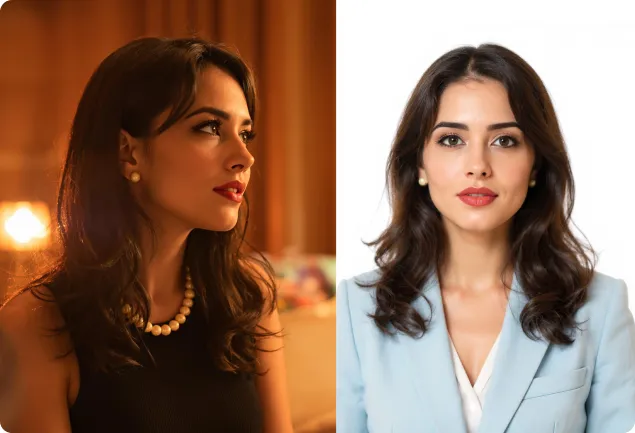
Turn ordinary portraits into compliant-looking ID photos
Nanobana helps normalize background, lighting, head position, and crop boundaries so a casual portrait can become a cleaner document-style image.
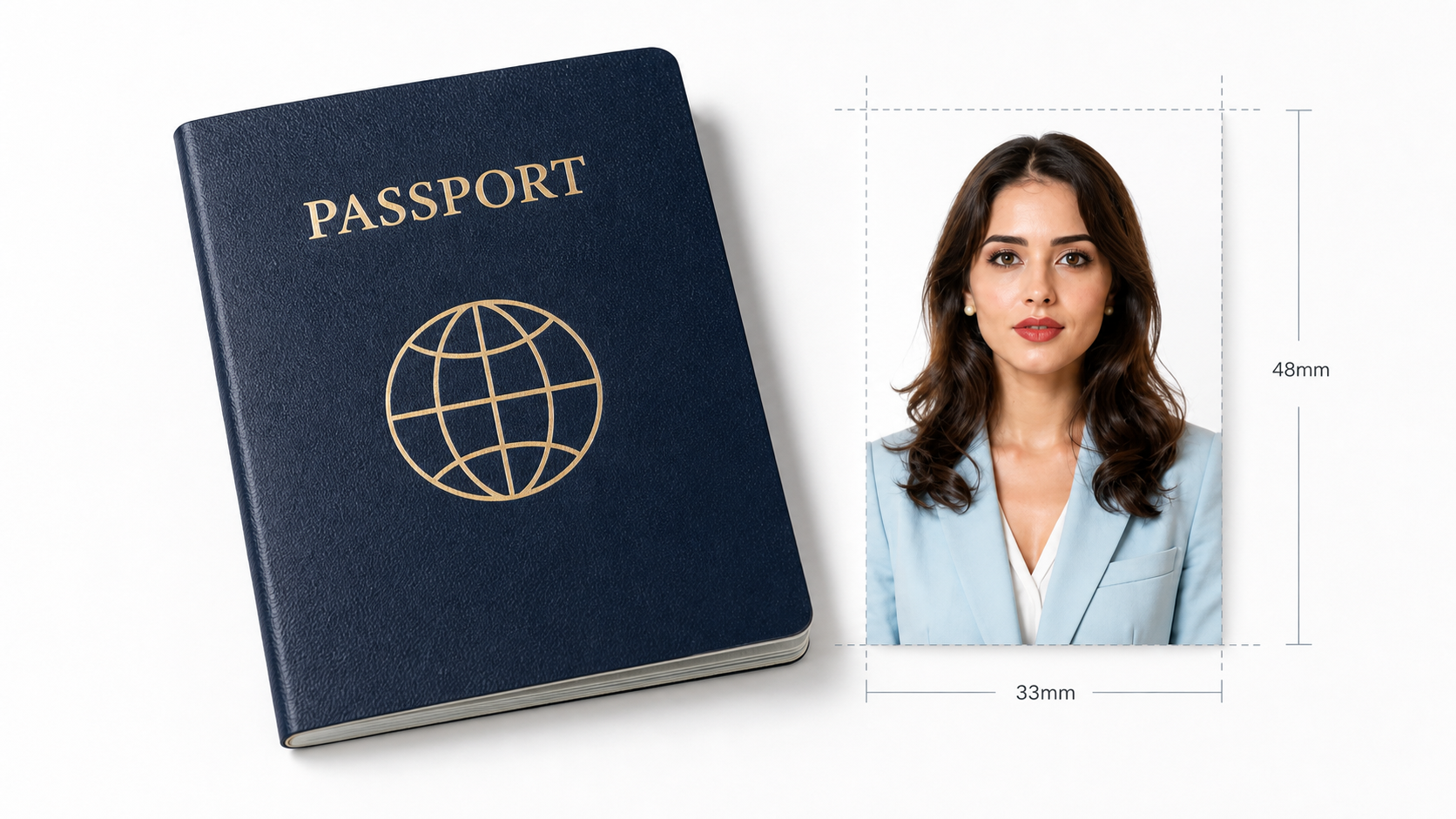
Common ID photo specifications
Use these entries as a quick starting point for passport, visa, badge, and online submission workflows.
Match passport and visa-style framing
Guide the generation with country, size, background, and crop requirements so every result starts from a clear document-photo intent.
- Centered head position
- Standard white margin
- Multiple country sizes
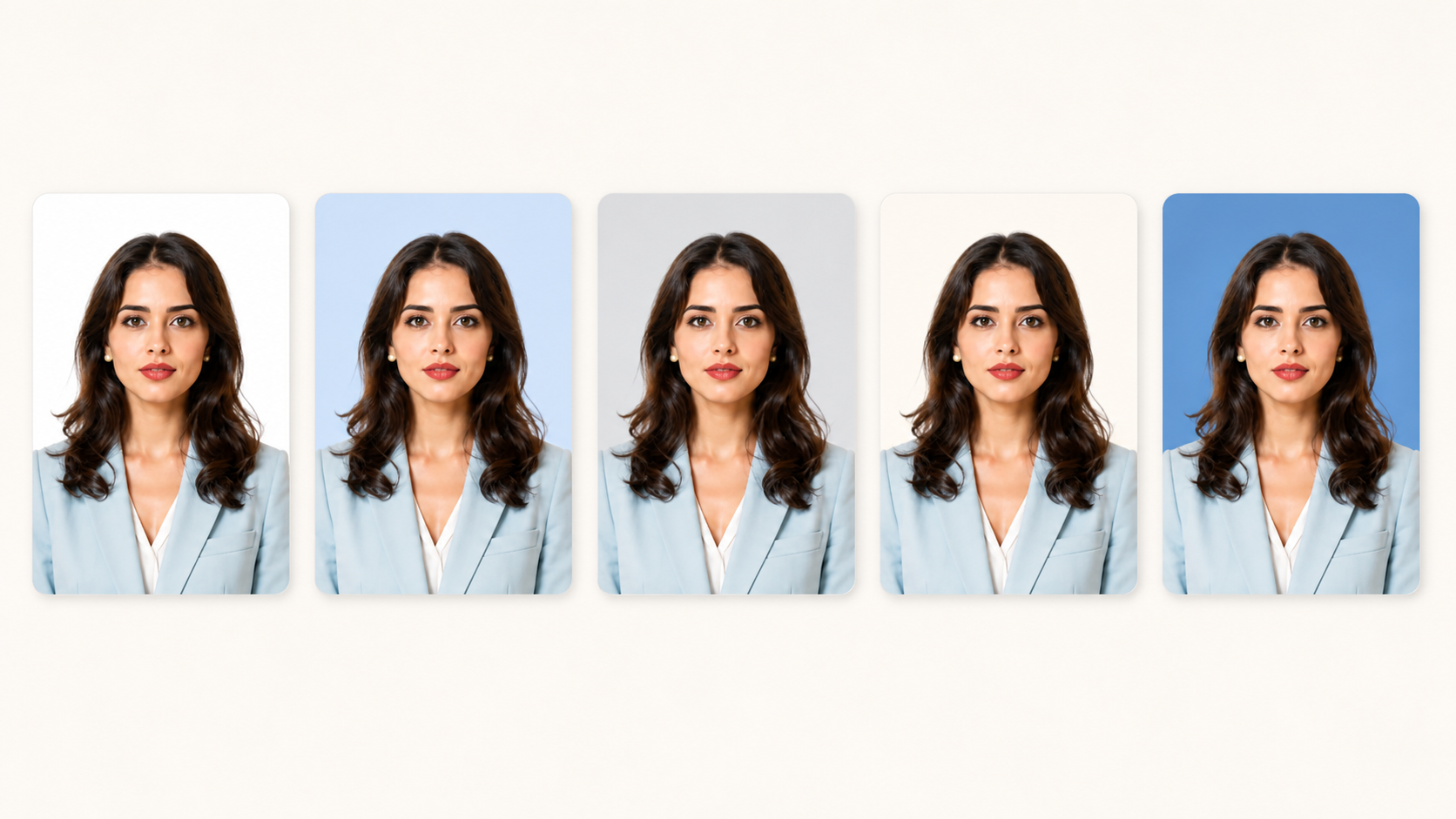
Switch background colors quickly
Generate white, blue, gray, and custom background variants while preserving the same face, outfit, and skin tone.
- White, blue, and gray backgrounds
- Preserve natural skin tone
- Ready for online submission
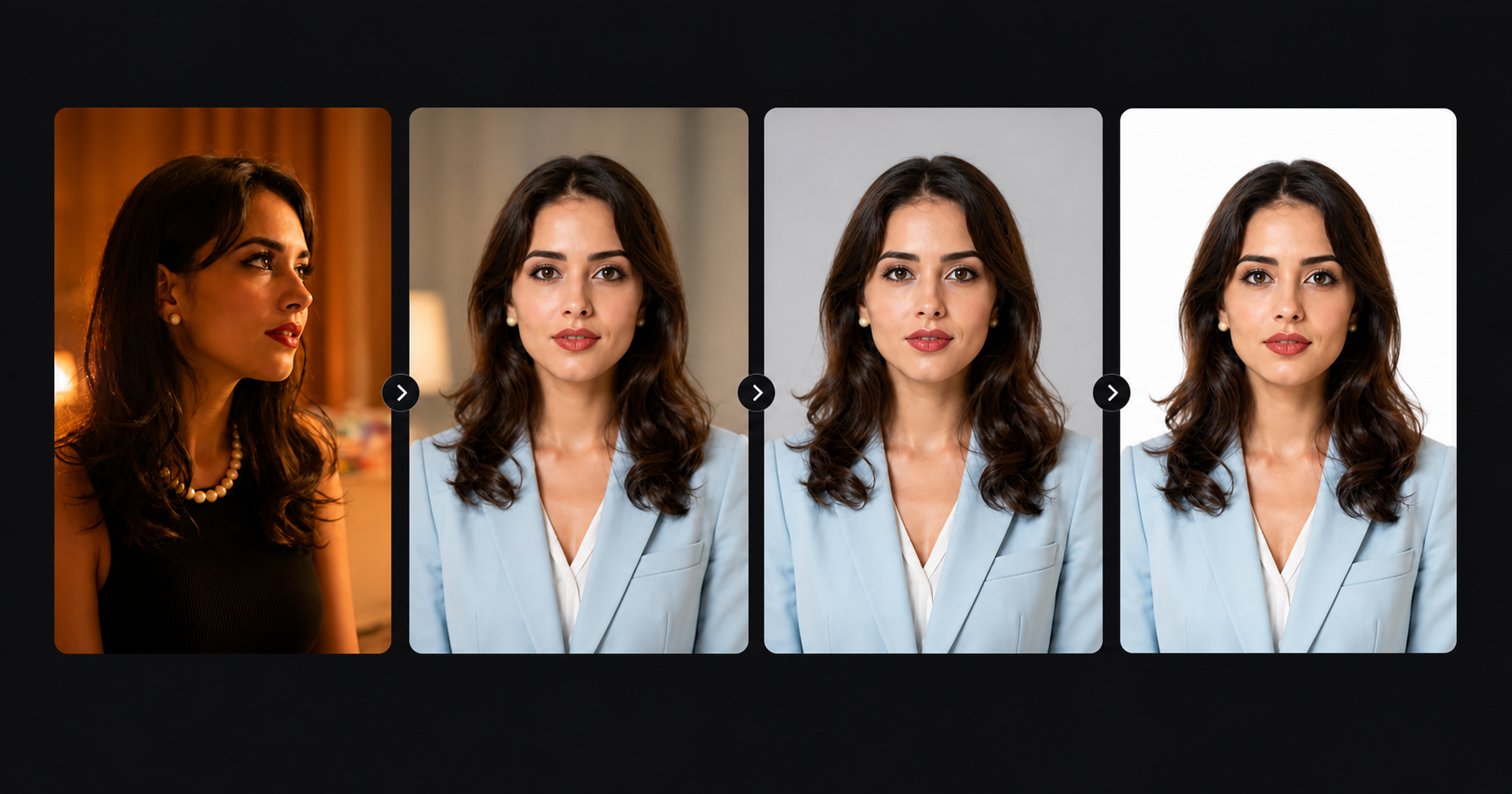
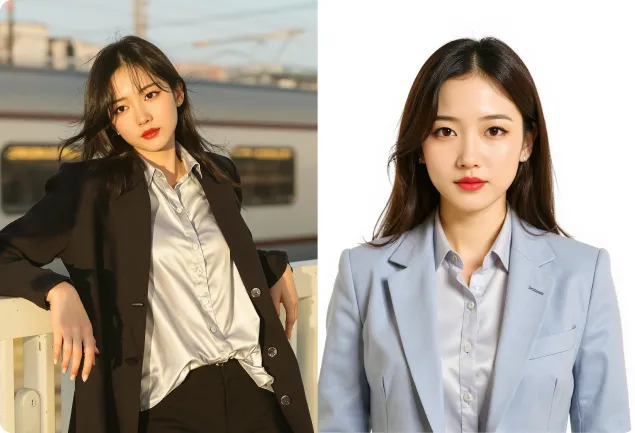
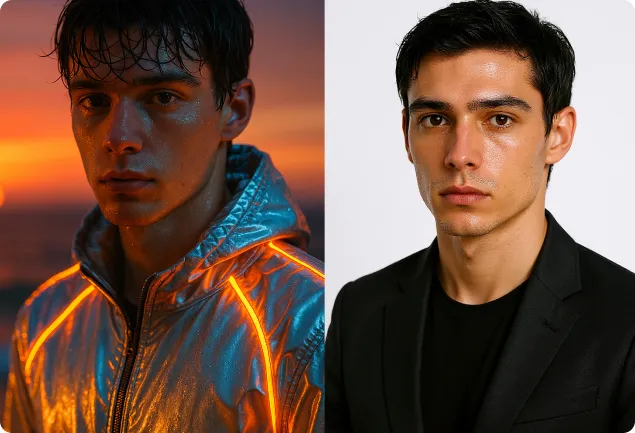
Unify lighting, posture, and head ratio
Move from casual source photo to a front-facing portrait with improved clothing, posture, light, and final ID-photo crop.
- Correct uneven lighting
- Straighten posture and gaze
- Keep head ratio stable
Extend to resumes and badge portraits
Create profile-ready portraits and printable deliverables for resumes, employee badges, student cards, and professional directories.
- Resume portraits
- Employee badge photos
- Profile contact sheets
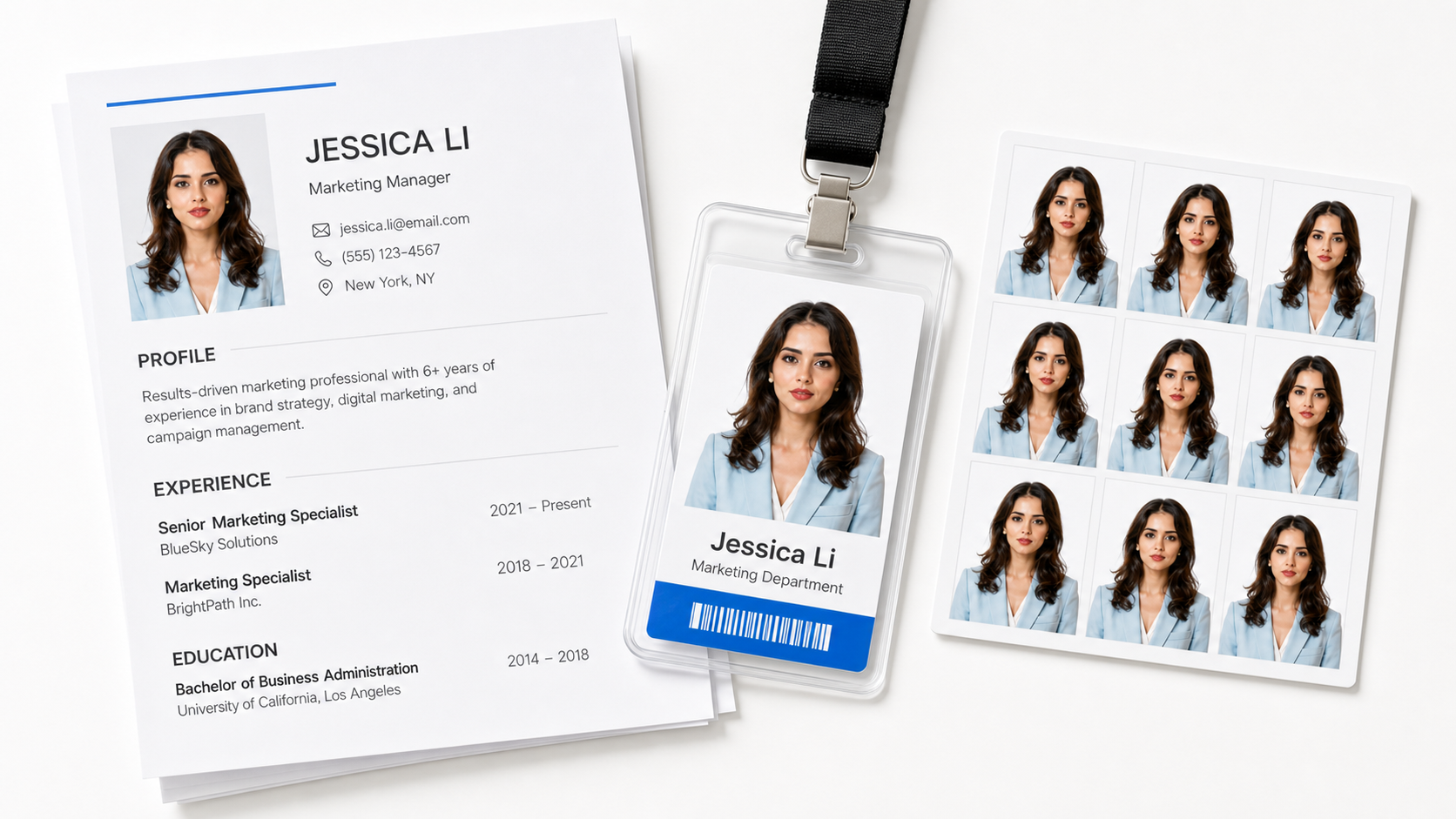
How to make an AI ID photo
Three simple steps: upload, choose the specification, and download the result.
1Upload a clear portrait
Use a front-facing image with visible face and shoulders for the best result.
2Choose ID requirements
Select country, document type, background color, and size requirements.
3Generate and download
Compare variants, review the crop, and export the clearest image.
Explore more AI creation tools
More AI workflows for designers, creators, and production teams.
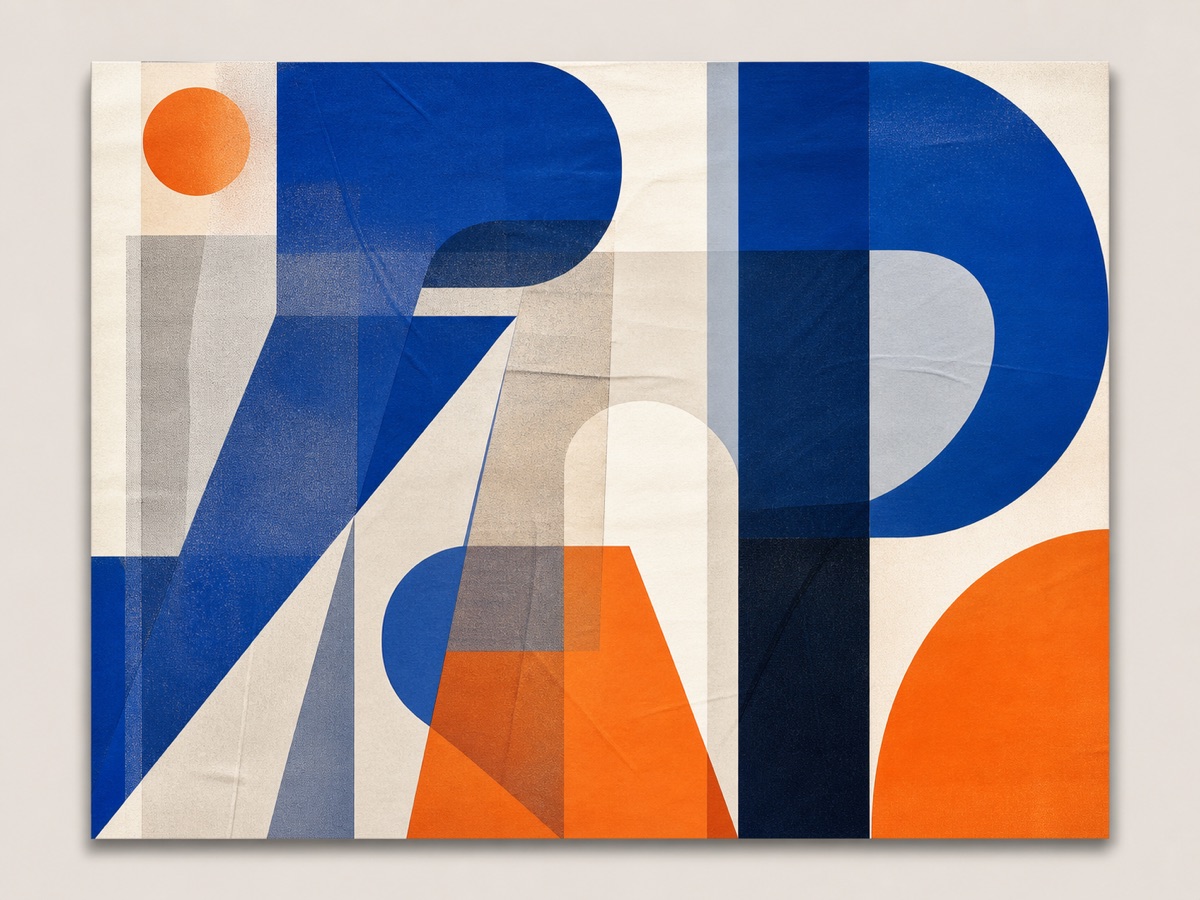
AI Image Generator
Create high-quality images from text or reference images.
了解更多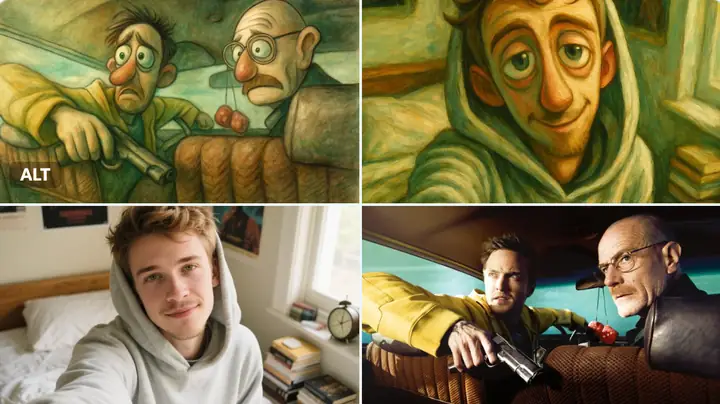
Image Prompt Library
Browse prompt templates to improve image generation quality.
了解更多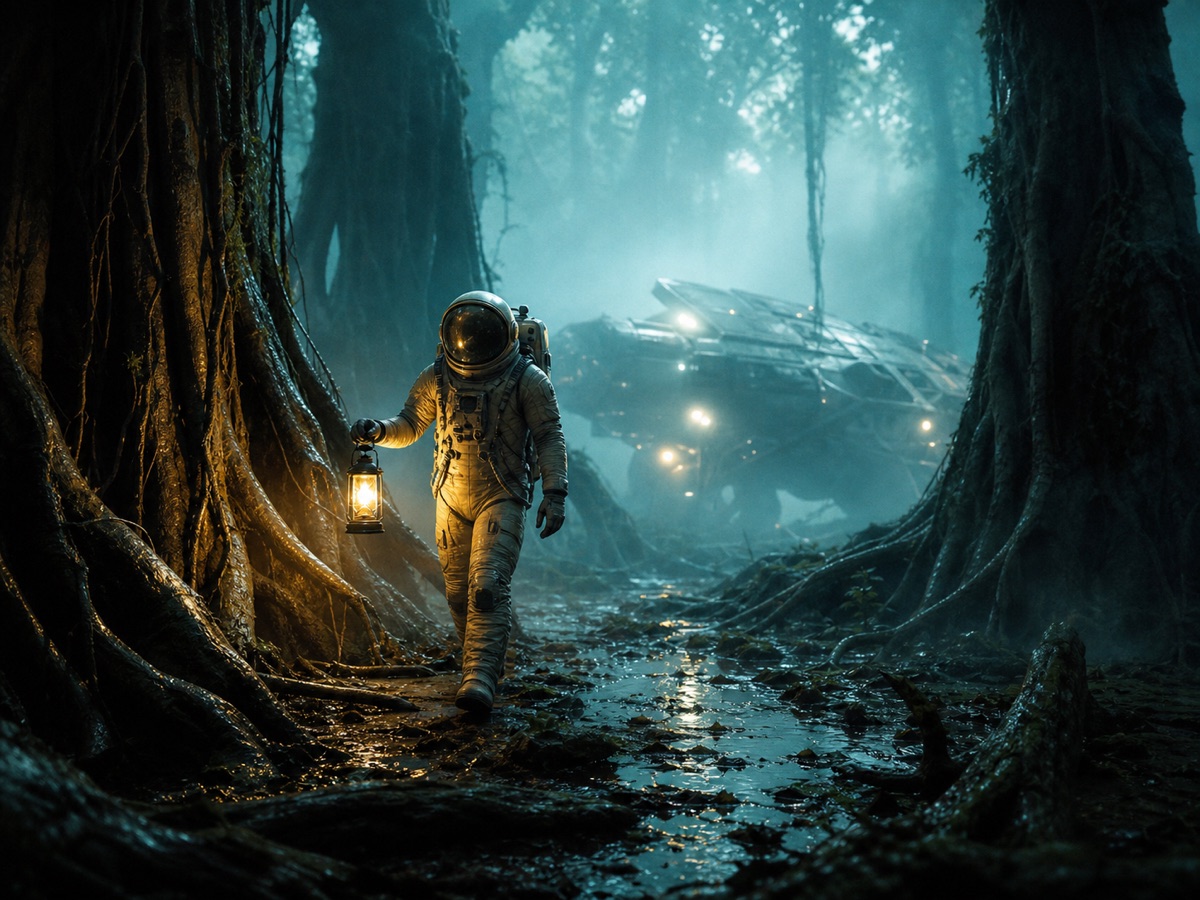
AI Video Generator
Turn prompts and images into short visual stories.
了解更多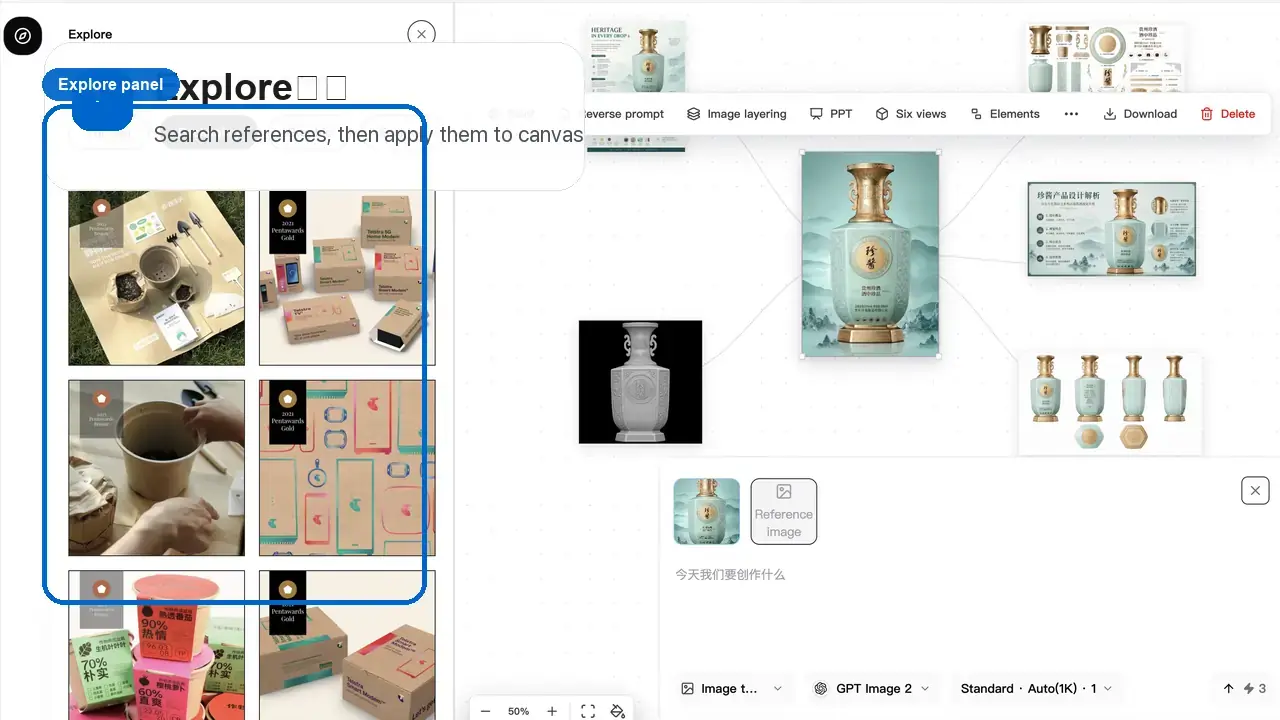
Studio
Continue creating with Nanobana in a larger visual workspace.
了解更多Chosen by creators who need efficient visual workflows
“
Nanobana creates polished ID photo results in minutes, which makes our visual production work much faster.
Lin Xiaobei
Designer
“
The background replacement and lighting correction feel natural. The details are clean enough for client delivery.
Zhou Zihan
Photographer
“
For daily team visuals, Nanobana is stable, fast, and easy for our staff to use.
Chen Yiming
IT Director
Frequently asked questions
Is Nanobana AI ID Photo Generator free to try?+
Yes. You can test the workflow with available credits before generating more versions.
Can it support different countries?+
Yes. Add the target country, document type, size, and background rules for better matching.
Will every generated photo be officially accepted?+
Final acceptance depends on the authority reviewing the photo. Always verify official requirements before submitting.
What source image works best?+
Use a sharp, front-facing portrait with even light, visible shoulders, and minimal occlusion.
Can I regenerate if the output is not ideal?+
Yes. Adjust crop, background, clothing, or lighting instructions and generate another version.
Try Nanobana AI ID Photo Generator today
Create clean document-style portraits from ordinary photos in a focused AI workflow.
Daily free trial, 3 credits per generation