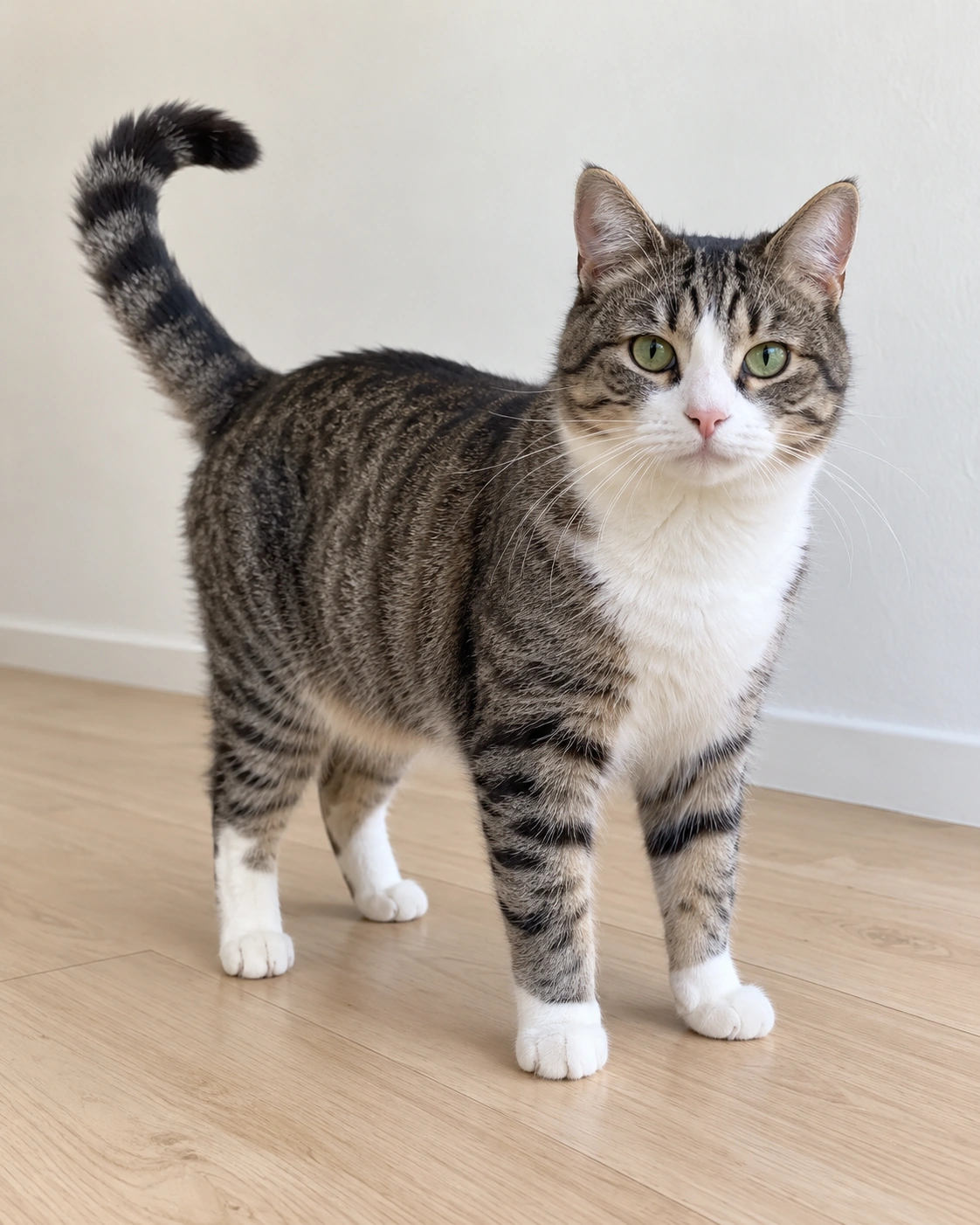
Start with the pet you know
The uploaded photo guides species, fur pattern, face and proportions. Choose a single cat or dog with clear markings and as much of its body visible as possible.
Video generation can take several minutes. Return to this page to check the same task.
855 credits reserved; settled by actual usage
Create a gentle Día de los Muertos pet remembrance from one clear photograph. The preset combines your pet's appearance with an original bridge scene, asking for a calm walk toward the camera and a quiet final pause.
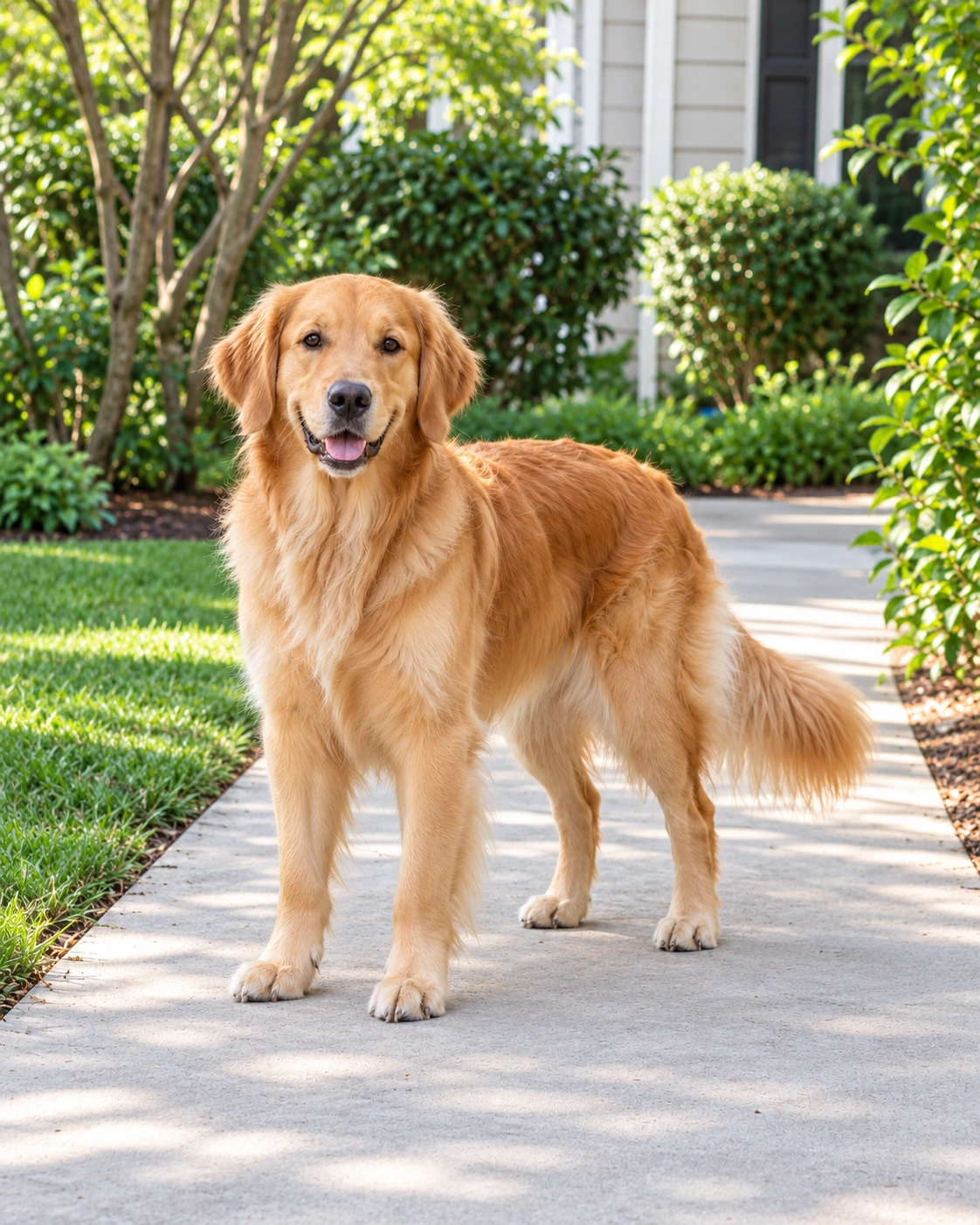
Original AI-generated photos for input examples. These images are not video results.
A low frontal view along a symmetrical flower bridge. Warm candles light the path as one pet walks closer and gradually comes to rest.
Generated with this tool from the example dog photo. Results vary with the input.
The uploaded photo guides species, fur pattern, face and proportions. Choose a single cat or dog with clear markings and as much of its body visible as possible.
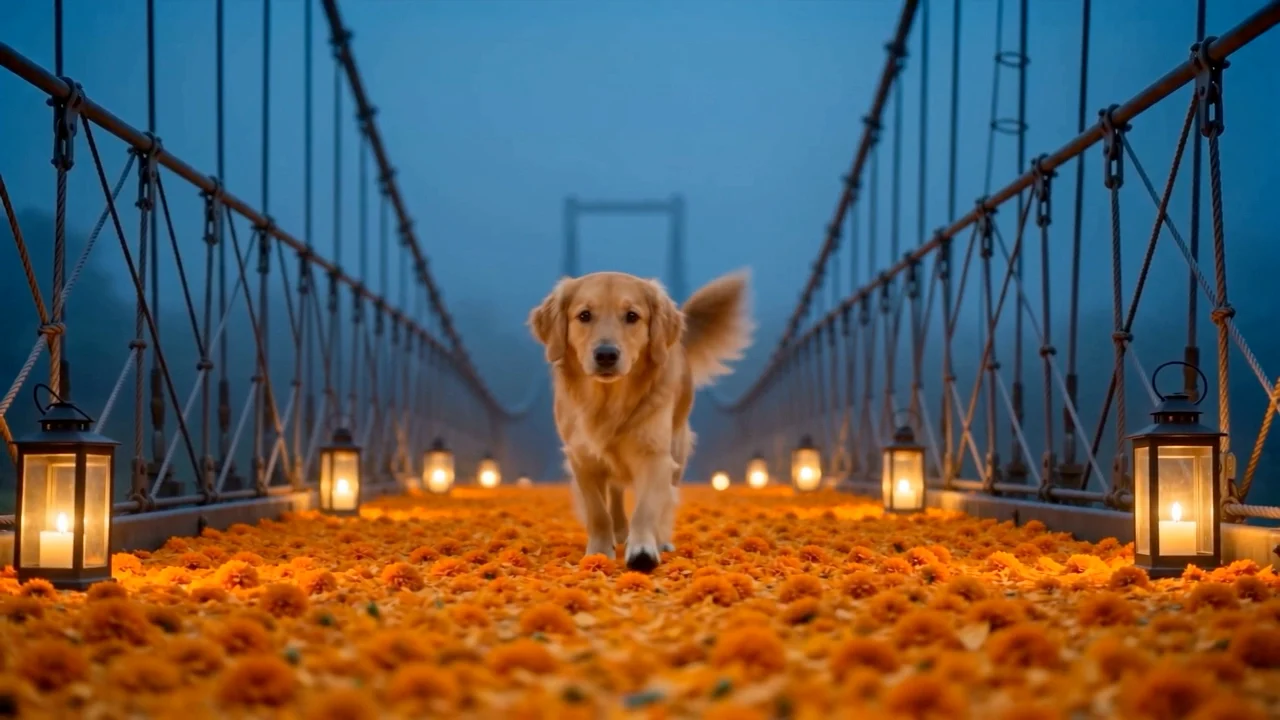
The fixed reference guides the flower bridge, candles, camera and pacing. The preset requests a continuous frontal shot rather than several disconnected scenes.
The tool requests a 15-second, 720p MP4 in a 16:9 frame, with quiet generated ambience. Play it through and check the gait, fur details and sound before sharing.
Upload a cat or dog photo you have permission to use. Avoid collages, multiple animals, heavy cropping and objects covering the face or paws.
The original template video is included automatically. Sign in, review the displayed credit reservation and generate your pet's 15-second scene.
Check the full video, including movement and audio. Preview the completed result and download according to your account's video download access.
Use one clear photo of a single cat or dog. A full-body image with visible fur markings gives the model more information than a cropped face. JPG, PNG and WEBP files up to 4 MB are supported.
Yes. The photo supplies the pet's identity, and the preset asks the model to preserve its species and markings. Animal recognition and perfect identity matching are not guaranteed; inspect the completed result.
No. This tool includes an original marigold-bridge reference automatically. It guides the setting, camera and walking sequence while your photo supplies the pet's appearance.
The preset requests gentle paw steps and quiet evening ambience, with no music or speech. Audio is generated and can vary. Listen to the result before sharing.
The request is for a 15-second, 720p, 16:9 MP4. The Generate button shows the credit reservation, which includes reference-video input as well as output. Actual usage is settled after completion. Sign-in and sufficient credits are required; video download access follows your account plan.
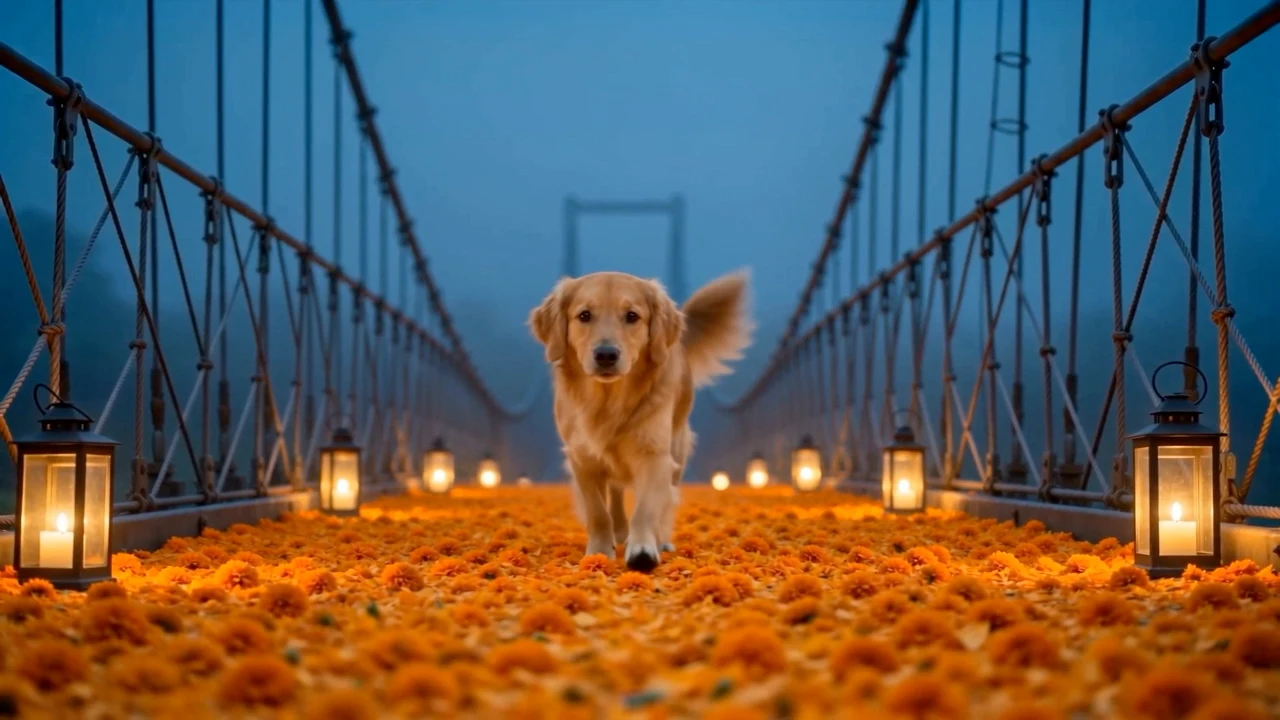
Start with one cat or dog photo and create a candlelit walk across an original marigold bridge.
Create a pet remembrance video