01
Upload one portrait
Choose a front or three-quarter photo with the nose visible and in focus.
Use a clear portrait so the generated jewelry can follow the nostril and septum anatomy.
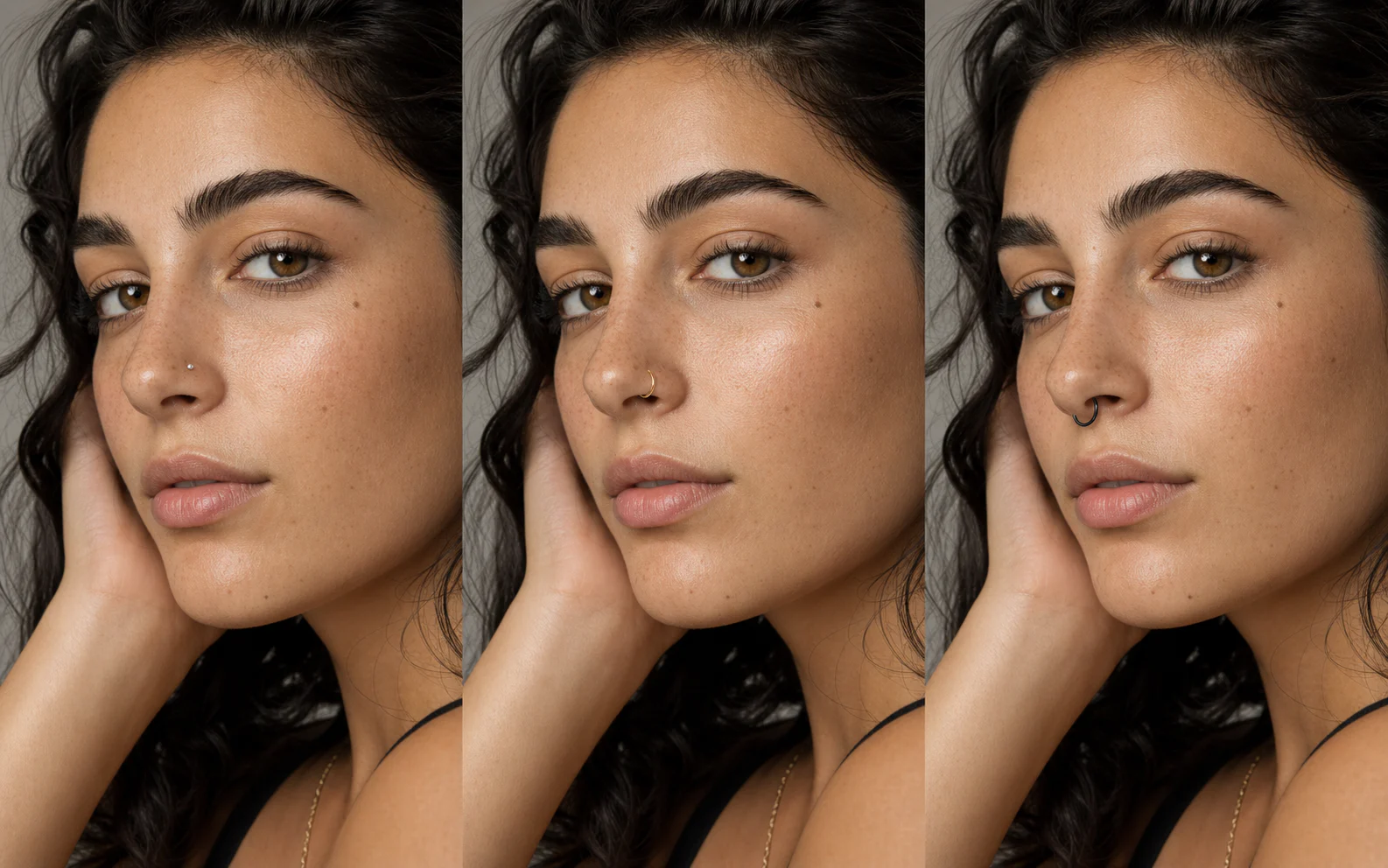
A focused edit for one small decision
The filter treats the piercing as a localized material edit, protecting the face and scene around it.
01
Choose the side and style so the model can align the jewelry to the nostril or septum instead of placing a generic sticker.

02
Silver, gold, and black titanium presets guide reflections and shadow so the piercing belongs in the photograph.

03
Compare understated jewelry directions using one familiar portrait, then save the version that feels most natural.
Three-step workflow
A clear face and one precise jewelry choice produce the most believable result.
Choose a front or three-quarter photo with the nose visible and in focus.
Set style, side, material, and any small placement preference.
Review anatomy, scale, reflections, and skin contact before saving.
Make a precise edit, adjust the lighting, or test a different styling direction.

Describe the change in plain language, add reference images when useful, and keep the rest of the photograph under control.
Edit a photo
Upload a person first, then add garment references to build a new look without losing the model, pose, or original scene.
Change an outfit
Repair flat, harsh, or mismatched light with direct controls for direction, softness, and intensity—without rebuilding the photograph.
Fix the lightingUse a sharp front or three-quarter portrait with the nose unobstructed and natural, even lighting.
Yes. Generate one side, switch the placement control, and create a second version for comparison.
The prompt tells the model to preserve identity, skin texture, makeup, expression, and all unrelated facial details.
No. It is a visual preview, not piercing or medical advice. Consult a qualified piercer for safe placement.
Use the notes field to describe a smaller scale, gem shape, ring thickness, or other restrained adjustment.
Upload one clear portrait and compare realistic jewelry styles without changing the rest of your face.
Preview a piercing