30 seconds of video with sound
Outputs up to 1080p at 25 fps, with dialogue, ambient sound, and music generated alongside the picture.
Explore MAGI2 (MAGI-2) video generation from a prompt or images, video, and audio references.
MAGI-2 generation is coming to NanoBana.
Watch the scene previewsOutputs up to 1080p at 25 fps, with dialogue, ambient sound, and music generated alongside the picture.
Combine up to 10 images, 5 video clips, and 5 audio clips in one request.
Specify cut points or give the model story beats to guide camera planning.
Use an existing clip as a reference and describe the change you want in the new shot.
Audio and video
A 30-second take gives an action time to unfold. MAGI-2 generates picture and sound together, so the same prompt can describe the visuals, the dialogue, and the sounds that belong to the scene.
Multimodal references
Use images to establish the look of a subject or location, a video to show motion, and an audio clip to guide the sound. The prompt can specify which detail to take from each reference.
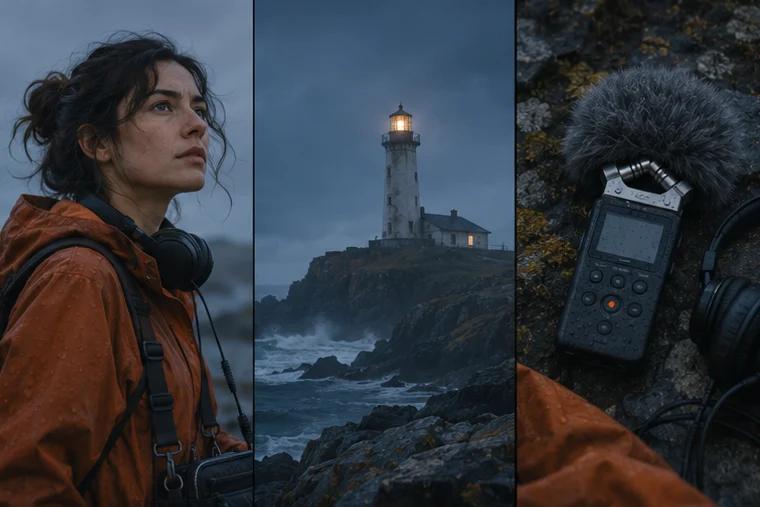
Timeline and shot control
Describe an unbroken take or put time ranges on a shot list. Start with story beats to explore framing and transitions, then specify the cuts you want to keep.
Video editing
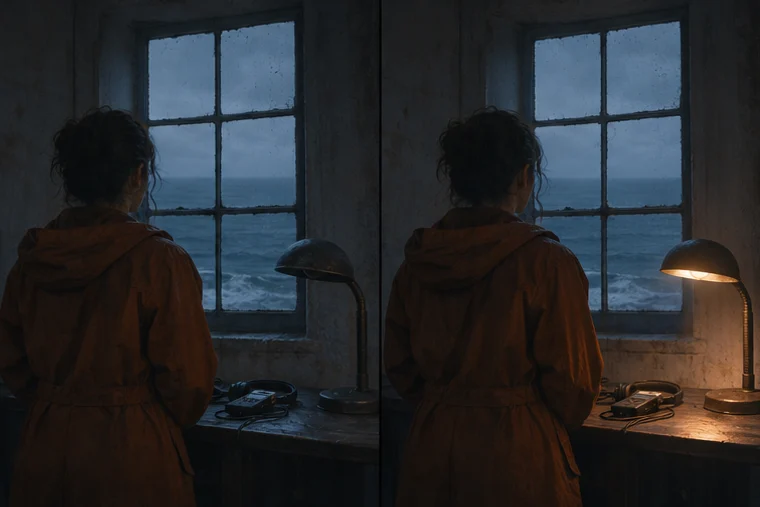
Upload the source clip as a reference and identify the intended change, along with the parts that should stay consistent. For example, ask for a lamp to turn on in the lighthouse while the window view and camera framing stay in place.
Watch the launch reel and a sponsored creator walkthrough of a 30-second take, then read the community discussion.
MAGI
메이커 에반 | Maker Evan
u/Aggressive-Park-373
Open original · RedditI like the camera movement in H3 more, but MAGI-2 feels more real though.
TSUBAKI: Japanese dialogue and camera movement with MAGI-2
TSUBAKI · @AI__TSUBAKI
Open original · XHow it works
Prepare a scene prompt and any references before you generate.
Write what should happen, how the camera should move, and what the viewer should hear.
Choose the length and aspect ratio. Use a first frame, add an optional last frame, or combine image, video, and audio references.
Check cuts, lip-sync, and subject continuity when you review the finished video.
MAGI-2 generation is coming to NanoBana. You can watch the scene previews and prepare your prompt now.
MAGI-2 costs 16 NanoBana credits per second of output. The Generate button shows the total for the duration you select.
Create 4–30 second videos at 1080p. Choose 16:9, 9:16, 1:1, 4:3, 3:4, or 21:9 in the generator.
Start with text alone, upload a first frame or a first and last frame, or guide a new video with a mix of images, video, and audio.
You can add up to 10 images, 5 video clips, and 5 audio clips. The video references can total up to 30 seconds, and the audio references can total another 30 seconds.
Yes. Describe dialogue, sound effects, or ambience in your prompt. Use the Generate audio switch to choose whether the video includes sound.
Sand.ai developed the MAGI-2 video model. NanoBana provides the generator, reference uploads, and credits on this page.
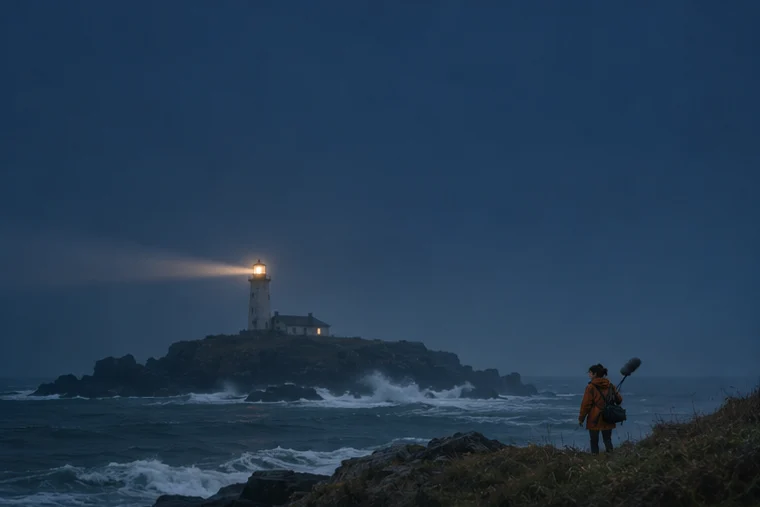
See how camera movement and cuts change the feel of a scene.
Watch the previews